
Collect memberships, packs and pending payments with a link your clients open on their phone
With Fitune, you send a purchase link for any membership or pack, and a payment link for every pending online invoice or failed charge. You copy them from Fitune and share them by WhatsApp, Instagram, email or SMS.
Your client pays by card, Apple Pay, Google Pay or Link from their phone and the sale is recorded in Fitune, the intelligent operating system you use to run your studio.
- A direct purchase link for every membership or pack in your catalog.
- A payment link for every "Unpaid" or "Retrying" invoice.
- Pending invoices in a single view, with the option to retry the charge or mark them as paid.

Get paid the moment your client decides, without sending them somewhere else
Every step between the decision to buy and the payment is a chance for the sale to go cold. With Fitune links, your client pays from the message you send and you see the sale in Fitune, without checking payment receipts or recording anything by hand.
Close the sale right from the conversation with your client
Recover memberships with failed renewals
See who owes you in a single list
Your records match what you were paid
Everything you need to sell and collect payments with links from Fitune

Share the purchase link for a membership or pack
In "Memberships and packs", choose "Share price" and copy the "Direct purchase link". Your client opens the link, goes straight to the checkout for that plan and completes the purchase online at your catalog price.
Copy the payment link for a pending invoice
Open the invoice, click "Copy payment link" and paste it into your message. The link is available for online invoices that are "Unpaid" or "Retrying".
If the invoice was recorded as cash or bank transfer, your client can pay it by card from their profile.
Review all pending invoices in Sales
In "Sales" > "Invoices", you filter by "Unpaid" or "Retrying" and see every invoice your studio still has to collect.
From there, you open each invoice, copy its payment link and send it. It's the fastest way to check every day which charges are still open.
Recover renewals with an expired or declined card
When a renewal charge fails, Stripe retries it and the invoice shows as "Retrying"; if it isn't collected, it moves to "Unpaid".
In the meantime, the membership is inactive and your client can't book; it reactivates on its own when they pay or when you void the invoice.
Retry the charge or change the invoice status
If your client has already updated their card, you can retry the charge to the saved card from the invoice.
If they paid you in cash, by bank transfer or another offline method, update it to "Paid", select the method and click "Update status". You can also enter their card details and click "Pay now".
Get paid with Stripe or Fitune Pay
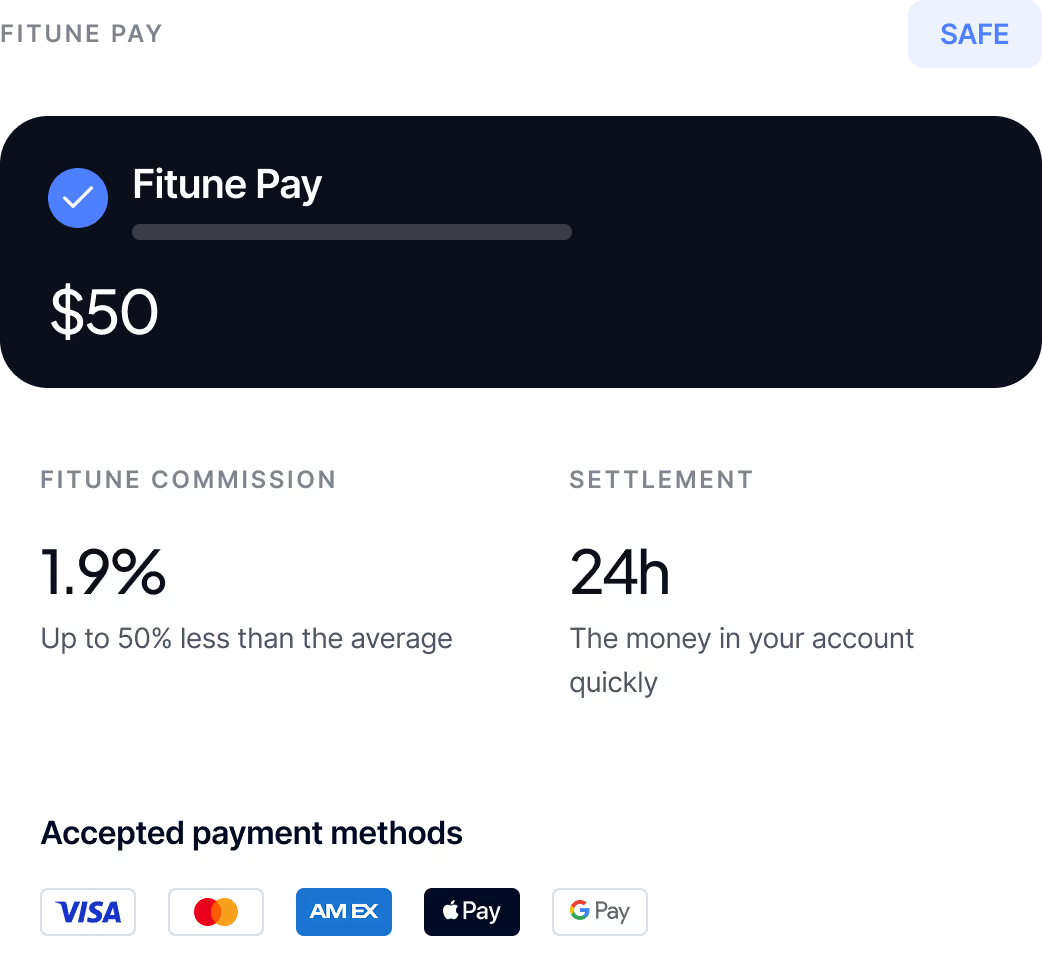
Links use the same gateway as your online payments: your own Stripe account, available in every country, or Fitune Pay, available in Mexico.
The money goes to your Stripe account and from there to your bank. Your clients don't need a Stripe account to pay.
Studios already
attracting clients

Frequently asked questions
What do I need to send purchase and payment links?
You need a payment gateway connected in Fitune: your Stripe account or, in Mexico, Fitune Pay. Only the Owner can connect it. To copy an invoice's payment link, the team member needs the Owner or Admin role; with Limited access, they only see Home and Calendar, with no invoices.
Can I send a payment link for any invoice?
No. The payment link is available for online invoices that are "Unpaid" or "Retrying". If an invoice was recorded as cash or bank transfer and is still unpaid, it has no link: your client can pay it by card from their profile, or you change its status manually.
How does my client pay, and which methods are accepted?
Your client opens the link from the message you sent and pays by credit or debit card, Apple Pay, Google Pay or Link. The payment is processed with Stripe, in your account or in Fitune Pay, and your client doesn't need a Stripe account. Fitune doesn't accept OXXO, Mercado Pago, PIX or Boleto. For purchases your clients make on your website or app, see Online payments.
What happens if a membership renewal fails?
Stripe retries the charge and the invoice shows as "Retrying"; if it isn't collected, it moves to "Unpaid". While the invoice is open, the membership is inactive and your client can't book. You can send them the payment link, retry the charge to their saved card or mark the invoice as paid if they pay you another way. When the invoice is paid or voided, the membership reactivates on its own.
What should I do if my client pays me in cash or by bank transfer?
Open the invoice, go to "Actions" > "Change invoice status", choose "Paid" and the method your client used. If you're not going to collect that invoice, you can choose "Void" so it doesn't count as revenue; only "Retrying" or "Unpaid" invoices can be voided. Once you change an invoice's status, you can't change it again, and voiding an invoice doesn't cancel the membership: they're separate actions.
Can I create a link with a special price for one client?
No. The direct purchase link uses the membership or pack price in your catalog, and the payment link charges the invoice amount. If you want to offer a different price, you can share a promo code along with the purchase link so your client can apply it at checkout.
Make paying your studio as easy as opening a message
Send purchase and payment links, recover failed renewals and keep every invoice up to date from Fitune. Book a demo and see how it works.

The operating system to help your studio win.