
More clients from Fitpass, Wellhub and TotalPass, all running on Fitune
Show your classes to thousands of people already looking for a place to train and get new bookings without adding work to your operation.
Fitune's official integrations with Fitpass, Wellhub and TotalPass let you:
- Sync your classes and schedule
- Control the spots available on each marketplace
- Manage bookings and clients in one place
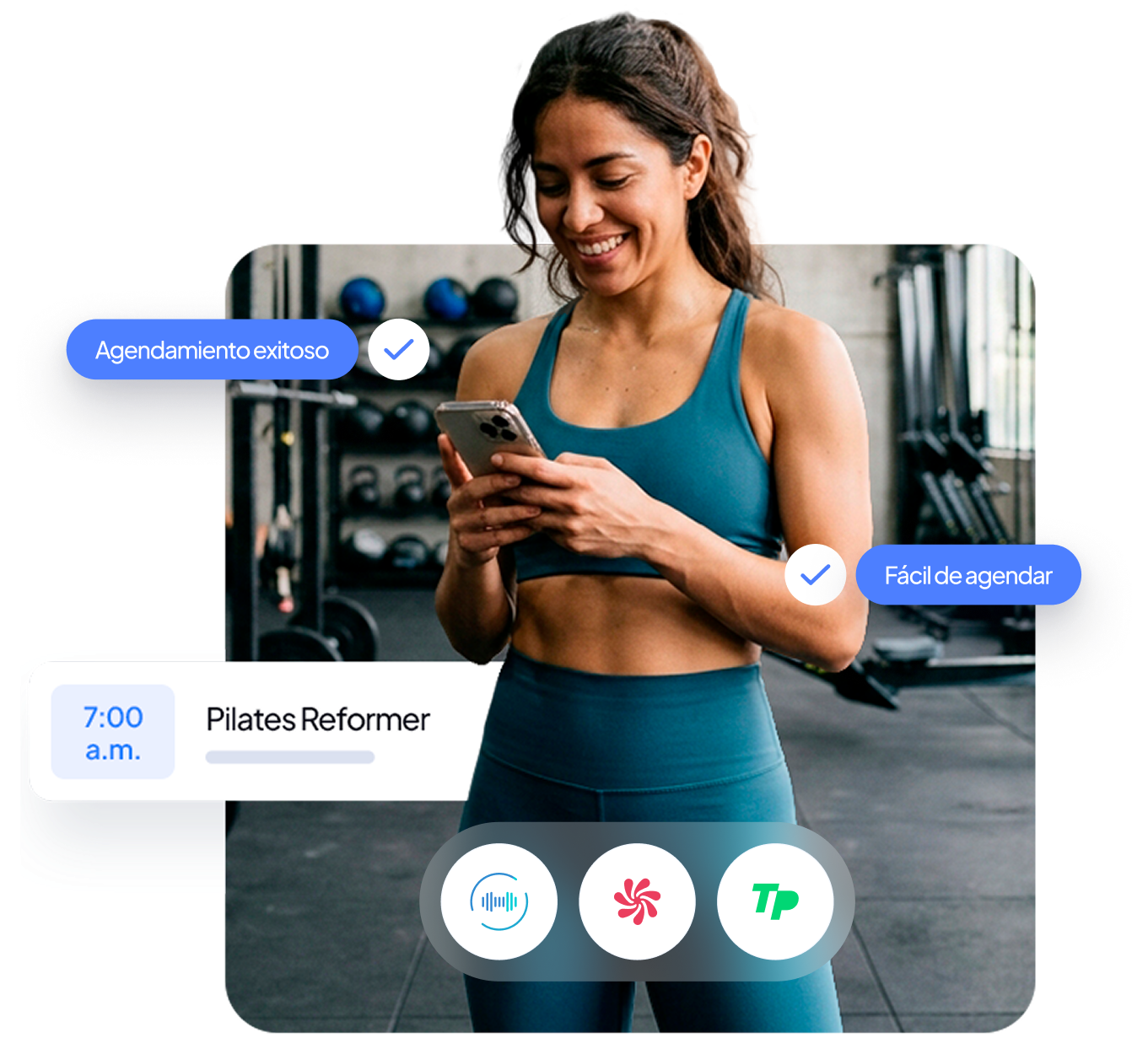
Get new clients without complicating your operation
More than 1 million Wellhub, TotalPass and Fitpass users are already looking for studios like yours and classes like the ones you offer.
With Fitune, you can be on all those platforms and turn that demand into new opportunities for your business.
We connect those channels to the way you run your studio so you can grow with more control.
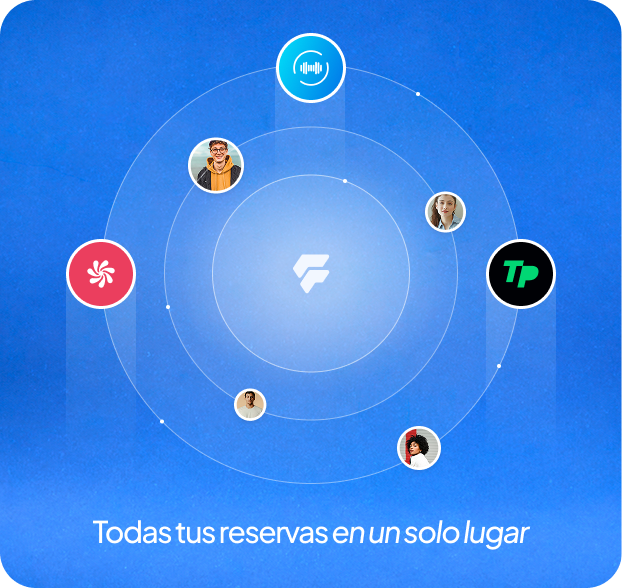
Reach people ready to train
Turn open spots into new bookings
Stay in control of your availability
Manage everything from Fitune
Everything you need to integrate with the leading platforms
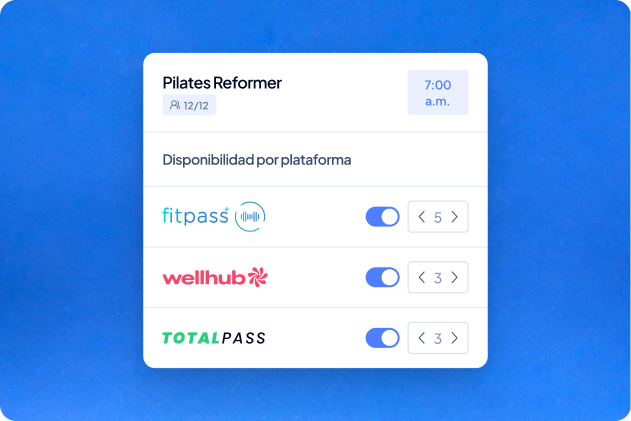
Choose what you want to show
Choose which classes, events or time slots are available to each platform's users. Set how many spots you want to offer and cap the spots for Wellhub or TotalPass in each time slot.
That way you get new bookings without losing control of your capacity.
Schedules and changes made in Fitune show up on the connected platforms, so your team doesn't have to update the same information several times.
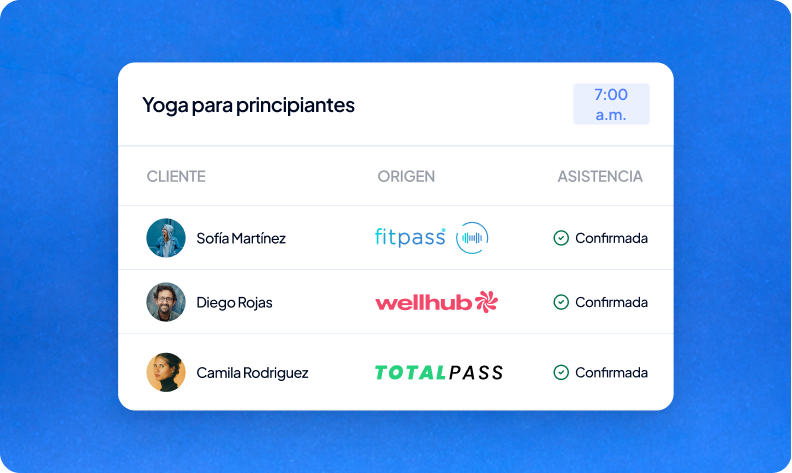
See where your clients come from
Link each of your studio's locations to its Wellhub or TotalPass account and manage them separately from Fitune.
Bookings made on Wellhub and TotalPass appear in Fitune alongside the ones from your own channels.
So you can easily recognize bookings from each integration and check where they came from in Fitune.
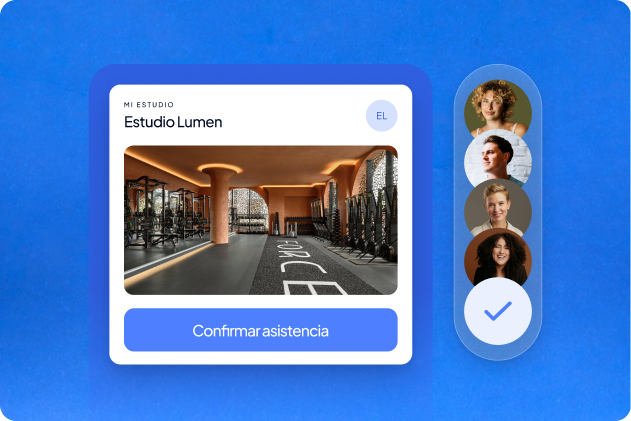
Make check-in easier
Clients check in from the Wellhub or TotalPass app and attendance updates automatically in Fitune, so you run your studio with more order and control.
Studios already
attracting clients

Frequently asked questions
What do the Wellhub, TotalPass and Fitpass integrations do?
They let you show your classes on these platforms and manage the bookings they generate from Fitune.
Do I need an account with Wellhub, TotalPass or Fitpass?
Yes. You need an active account with the platform you want to connect and a paid Fitune plan.
Can I choose which classes to show?
Yes. You can select the classes and time slots you want to offer on each platform.
Can I control how many bookings I get?
Yes. You can set the maximum number of spots you want to give Wellhub or TotalPass in each time slot.
Where do the bookings appear?
Bookings appear in the matching time slot in Fitune, labeled with the platform they came from.
How does check-in work?
Clients check in from the Wellhub or TotalPass app. Attendance is validated and updated automatically in Fitune.
Can I connect several locations?
Yes. Each location is connected and configured separately.
Do changes to my classes update automatically?
The main changes you make in Fitune sync to the connected platform, so you don't have to create the class again.
Your next clients could already be looking for a class like yours
Connect Wellhub and TotalPass to Fitune to reach new audiences, get more bookings and manage everything from one place. More channels to grow, one operation to run them.

The operating system to help your studio win.