
Your clients always know what's happening with their bookings and payments, without anyone having to tell them
Fitune automatically emails your clients the message they need, right when it's useful:
- Confirmations for every booking, cancellation, membership and pack.
- A notice two days before each renewal is charged.
- The link to your online classes 20 minutes before they start.
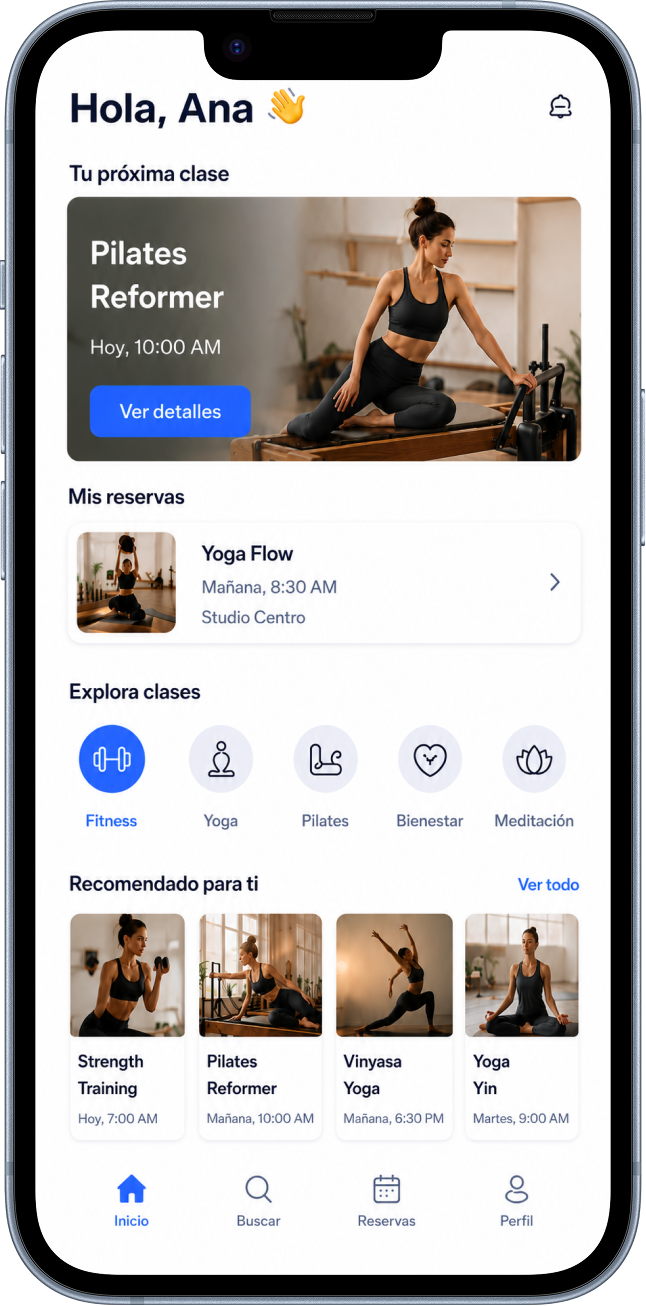
Every message answers a question before your client has to ask it
Most no-shows aren't a decision: someone books on Sunday for Thursday, and by Thursday it's no longer on their mind. The same goes for charges nobody saw coming.
Fitune tells your clients what's about to happen while it's still useful to know. No marketing, just the one fact they'd otherwise have to ask for.
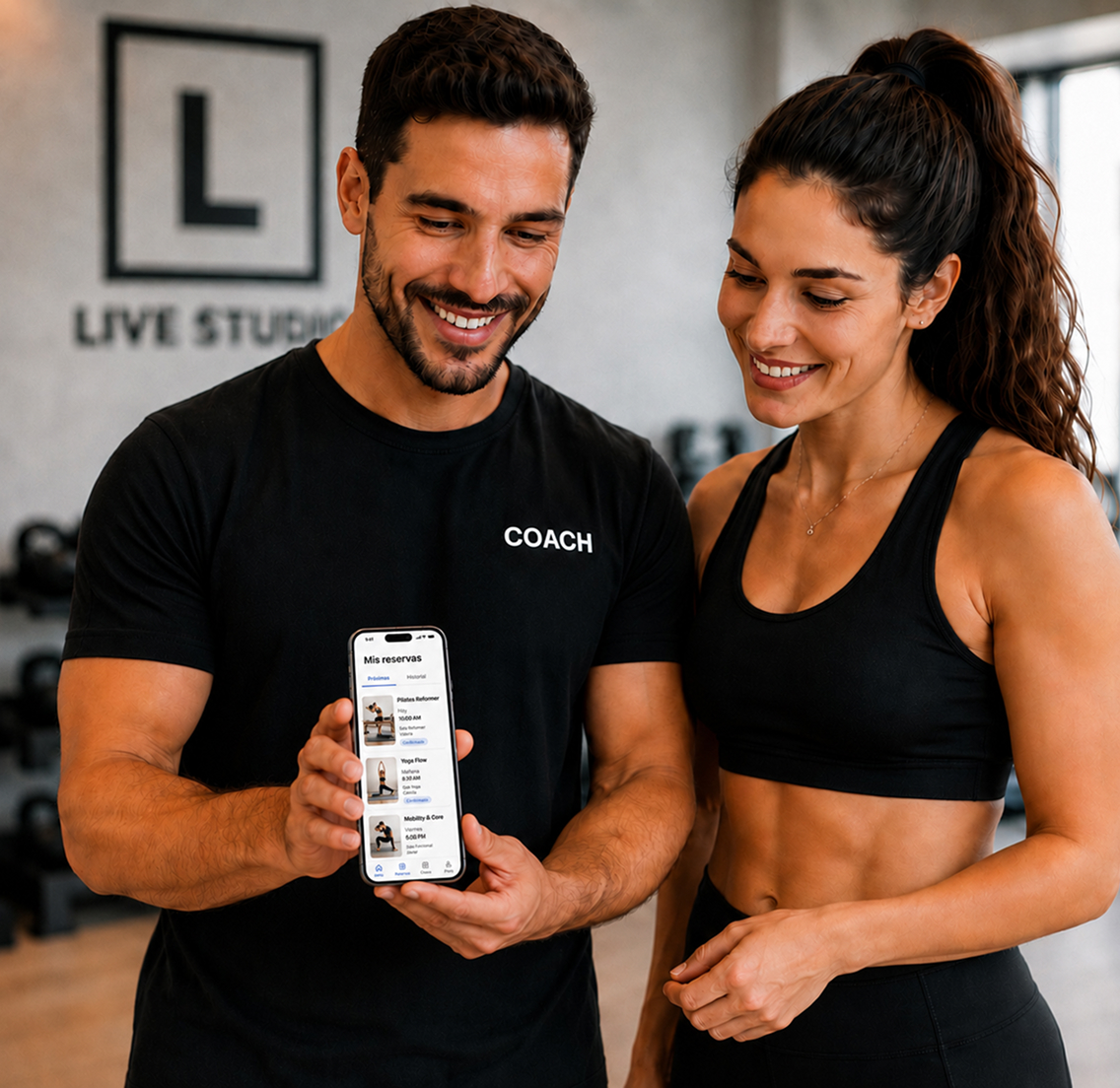
Bookings that don't get forgotten
Renewals without surprises
Your team stops answering the same questions
In your studio's voice
Everything your clients need to know, at the right moment

Confirm every booking, change and cancellation
Your clients get an email when they book a class or an appointment, when their booking changes and when they cancel it.
If you edit your schedule, they hear about it too. Nobody is left wondering whether it worked.
Give notice before every charge
Fitune confirms every membership or pack your clients buy and sends a notice two days before charging a renewal.
It then confirms each successful renewal and lets clients know when a membership or pack is cancelled.
Send the link and announce open spots
The streaming link arrives 20 minutes before every online class, without you sending it one by one.
And when a spot opens up in a full class, clients on your waitlist get notified.
Edit every email and keep only the ones you use
From Marketing → Email Templates you change the wording, tone and images of every automatic email.
Go through the list once and keep active the ones that fit your studio: if you don't run courses or online classes, you don't need those emails.
Hear about what matters without checking
Get an alert when there's a sale, a booking, a new client, a new membership or a cancellation.
Each alert has its own switch: turn off bookings and keep cancellations, so you can talk to that client the same day.
Studios already
attracting clients

Frequently asked questions
Which emails does Fitune send my clients automatically?
Welcome and client invitation; booking and appointment confirmation, change and cancellation; schedule edits; waitlist; purchase, renewal, upcoming renewal notice and cancellation of memberships and packs; course confirmation and streaming links.
See the full list in the Help Center.
Which channel do my clients receive notifications on?
Automatic notifications to your clients are sent by email.
Can I change the wording of the emails?
Yes. In Marketing → Email Templates, pick a template and click Edit to change the wording, the tone or add images. Don't remove the information in brackets: Fitune fills it in with each client's and booking's details.
Can I turn off the emails I don't use?
Yes. Every template can be customized or turned off, so your clients only get the emails that make sense for your studio.
Do my clients get a notice before their renewal is charged?
Yes. Fitune emails them two days before charging their membership renewal, and again when the charge goes through.
What happens when a spot opens up in a full class?
Clients on your waitlist get an email letting them know a spot is available.
How do I invite my clients to install my studio's app?
Add the link with the installation instructions to the Welcome or Client invitation template. That way every new client gets it automatically.
Make sure your clients always know what's happening
Confirm bookings, give notice before every renewal and free your team from answering the same questions all day. Fitune does it automatically.

The operating system to help your studio win.