
A link in bio that takes your followers straight to booking classes at your studio
Create a page with your logo, your name and the links that matter: your booking page, WhatsApp, Instagram, Facebook or YouTube. Share it in your Instagram or TikTok bio, on WhatsApp or by email, so anyone interested in your studio can book without waiting for someone to answer a message. All from Fitune.
Your Link in Bio is built from your Fitune admin, with no extra tools or subscriptions.
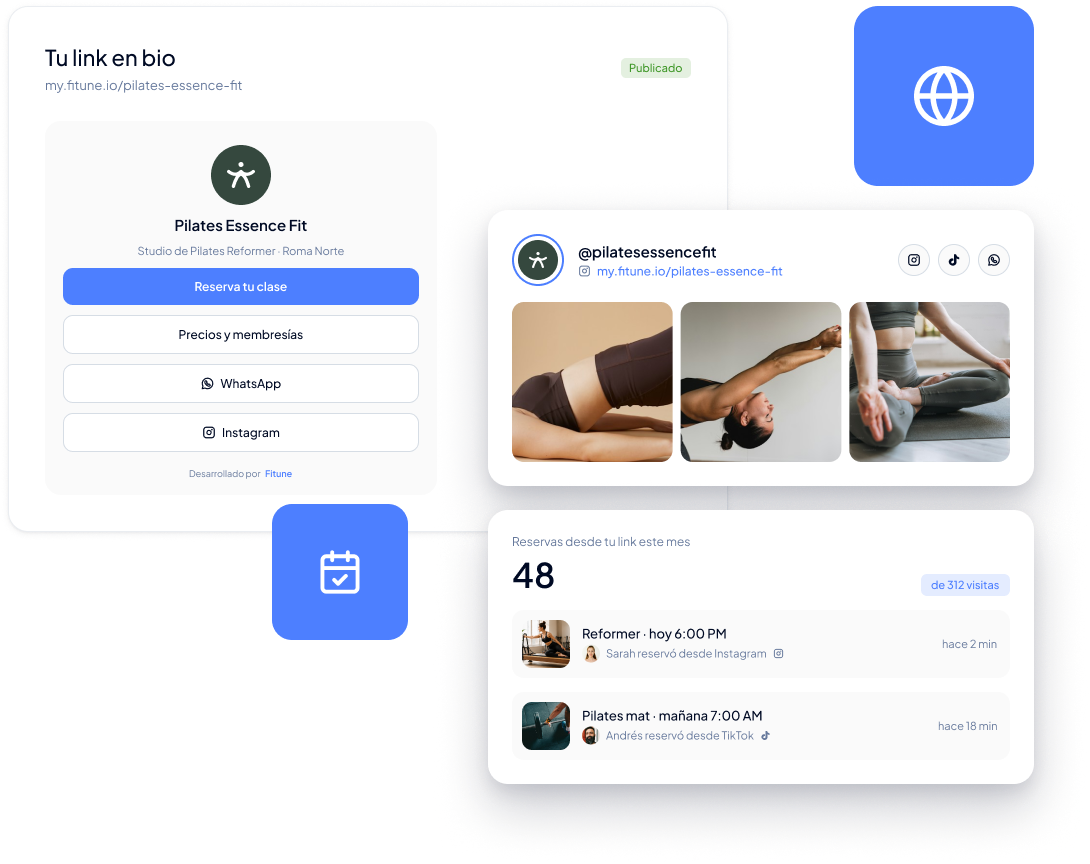
Turn social media attention into clients
Your content brings people to your profile. Your Link in Bio takes them to your schedule in one tap, right when they're interested.
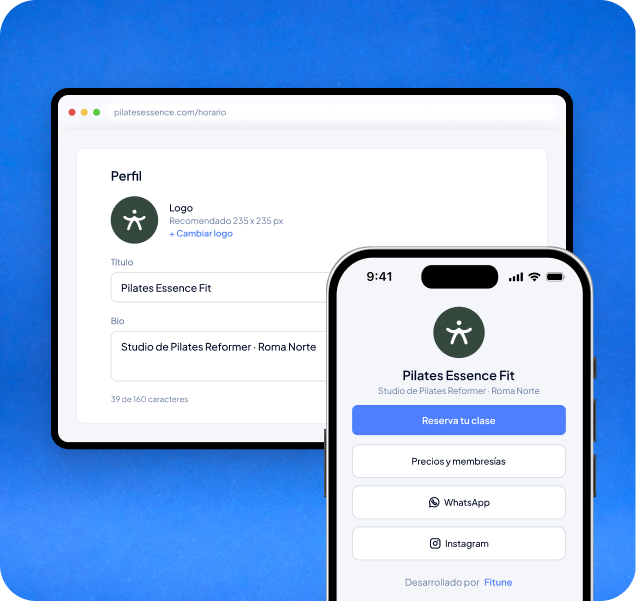
Goodbye to “DM to book”
Straight to the schedule, no extra steps
No need to pay for Linktree or another subscription
One link for all your channels
Your studio, one tap away from any profile
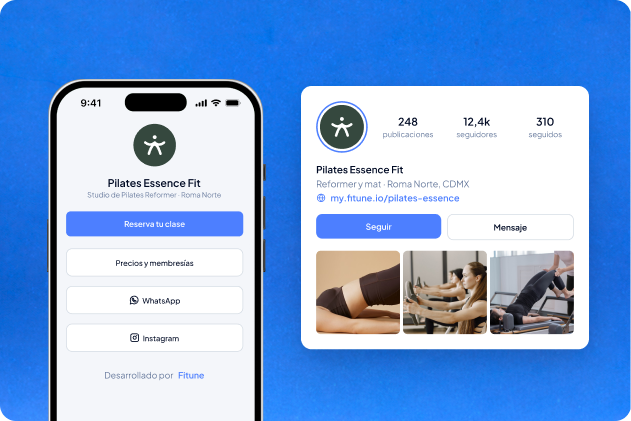
With your logo, your name and your description
Upload your logo, add your studio's name and a short description so the page looks like your brand.
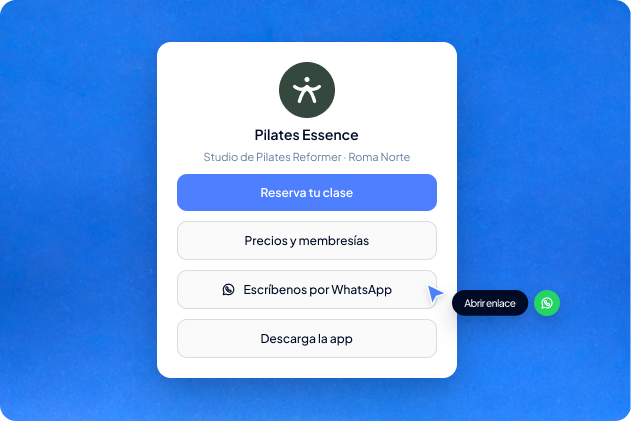
Bookings, WhatsApp and social in one place
Add your booking page, Instagram, WhatsApp, Facebook, YouTube and any other link your clients need.
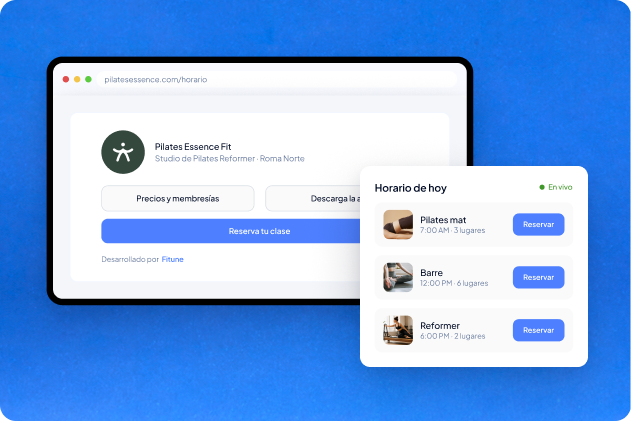
Your clients see which classes have spots
When you include your booking page, whoever opens it sees the schedule and spots available right now, and can book and pay in the same flow.
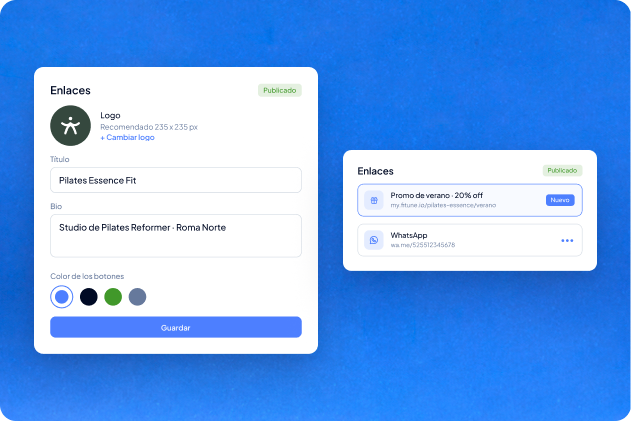
Update it whenever your offer changes
Change links, images, colors or text from your admin whenever you need, without depending on anyone.
Studios already
attracting clients

Frequently asked questions
Where can I share my Link in Bio?
In your Instagram or TikTok bio, on WhatsApp, Facebook, email signatures or any platform where your clients can find it easily.
Which links can I add?
Your booking page, your social media like Instagram, Facebook or YouTube, your WhatsApp, your website and any other external link you want to share.
Does my Link in Bio show my schedule in real time?
Yes, if you add your booking page as one of the links. Your clients will see your availability in real time.
Can I update my Link in Bio later?
Yes. You can edit it at any time: change links, images, colors or text.
Can I use it if I don’t have social media?
Yes. Your Link in Bio works like a mini website you can share by email or on printed materials.
Do I need an extra tool to create it?
No. You create and manage it from your Fitune admin, under Link in Bio in the main menu.
Take your followers from your profile to your class in one tap.
Build your Link in Bio with your brand and your most important links, and let clients book without waiting for a reply. All from Fitune.

The operating system to help your studio win.