
Your clients always know what's happening with their bookings and payments, automatically
Fitune automatically emails your clients the message they need, right when it's useful:
- Confirmations for every booking, cancellation, purchase and renewal.
- Reminders 24 hours and 1 hour before each class or appointment.
- The link to your online classes 20 minutes before they start.

Most no-shows aren't a decision
Someone books on Sunday for Thursday, Thursday comes and it's simply no longer on their mind. The spot was paid for, the class runs one person short and nobody mentions it.
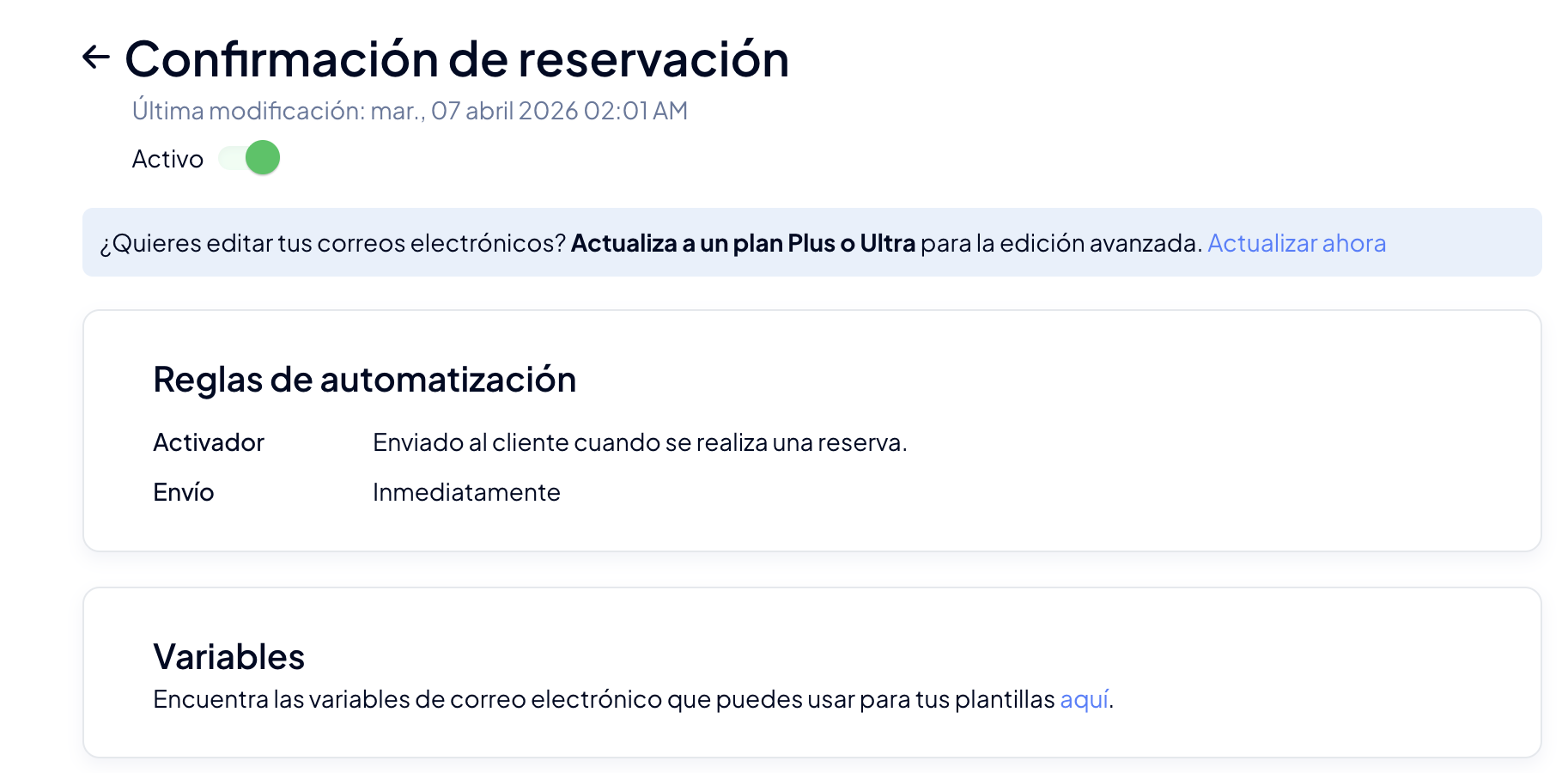
Fitune sends the confirmation the moment they book, with their class details, so it's somewhere your clients can find it again.
Fewer questions for your front desk
Customize the messages
Get notified about what matters
Prevent client cancellations in time
Keep an eye on your studio from anywhere
What Fitune lets your clients know for you

Every booking and every cancellation, confirmed
Your client gets an email as soon as they book a class or schedule an appointment, and another when they cancel, so nobody is left wondering whether it worked.
Every purchase, renewal and cancellation, in writing
Fitune confirms every membership or pack your clients buy, every renewal charged and every cancellation of a membership or a pack.
The class link, 20 minutes before
Whoever booked an online class gets the stream link 20 minutes before it starts, without you having to send it one by one.
A reminder before every class
On the Plus and Ultra plans, turn on reminders and Fitune emails your clients 24 hours and 1 hour before each class or appointment.
Studios already
attracting clients

Frequently asked questions
Which emails does Fitune send my clients automatically?
Client invitation; booking and appointment confirmation, change and cancellation; schedule edits; waitlist; reminders 24 hours and 1 hour before; purchase, renewal and cancellation of memberships and packs; course confirmation and streaming links.
See the full list in the Help Center.
Which channel do my clients receive notifications on?
By email. Fitune does not send SMS or push notifications.
Can I change the wording of the emails?
Yes, on the Plus and Ultra plans. In Marketing → Transactional emails you edit the subject and body of every email, with images, links and variables that Fitune fills in with each client's details. When each email is sent is fixed.
Can I turn off the emails I don't use?
Yes, on every plan. Each email has an active or inactive switch, and an inactive email is not sent.
Do my clients get a reminder before their class?
Yes, if you turn on reminders (Plus and Ultra plans). Fitune sends one email 24 hours and another 1 hour before each class, event or appointment. If someone books after that point, that reminder is not sent.
What happens when a spot opens up in a full class?
Clients on your waitlist get an email letting them know a spot is available.
Can I email my clients outside the automatic emails?
Yes, on the Plus and Ultra plans. You can send an email to one contact, to the people in a class (booked, on the waitlist or cancelled) or to a whole segment of your contacts.
Let your clients always know what's happening
Confirm bookings, remind every class and free your team from answering the same questions all day. Fitune does it automatically.

The operating system to help your studio win.